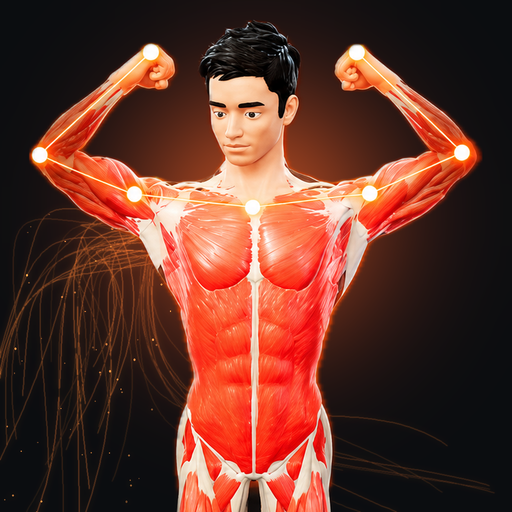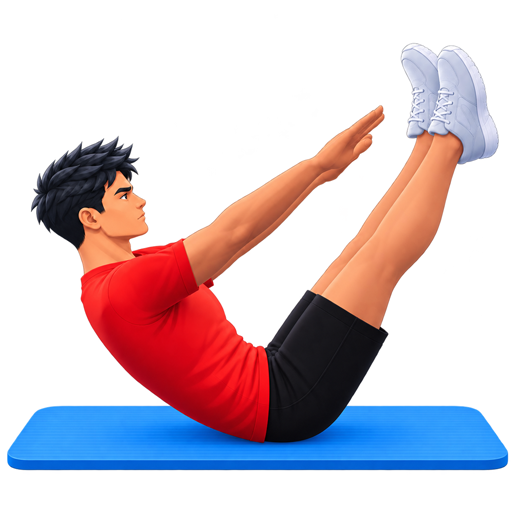
Screenshots
About Gymura – 3D Workout Planner
Gymura – 3D Workout Planner is a fitness app for Android that helps you plan sessions, follow a 3D trainer, and keep an eye on your body measurements and progress. You can build your own routines or start with a ready-made one, then run it with clear guidance at each step.
Key Features
- Log weight, cardio, waist, chest, hips, biceps, thighs, and calves, with charts that make changes easier to spot.
- Choose exercises by body part, difficulty, or body position, and add or remove movements as you shape your plan.
- Set reps, pace, rest times, and exercise order for each workout.
- Save finished sessions in a training log so you can compare activity from one day to the next.
- Use the app without ads or an internet connection, with no banners to interrupt your session.
How It Works
Build a workout from a ready-made plan or from your own exercise list. Start it when you are ready, watch the 3D trainer, and listen to the instructions. The trainer presents each movement from multiple angles and helps you check your form. When you finish, the session goes into your log for later review.
Who It Is For
- People who want a straightforward way to track body measurements and see changes over time.
- Anyone who prefers a guided 3D demonstration instead of guessing how an exercise should look.
- Users who need a workout they can open offline and use without ad interruptions.
- People who like to keep a training log and review what they have completed.
Why Users Might Like It
The appeal is the mix of planning and tracking in one place. You can tailor sessions to a goal, follow the on-screen trainer, and then look back at completed workouts to see what you have done. The offline, ad-free setup also makes it easier to keep the app as a simple training tool rather than a feed of distractions.
Key features
- 3D trainer: shows each exercise from multiple angles to help you check form.
- Body tracking: log weight, cardio, waist, chest, hips, biceps, thighs, and calves, with clear charts.
- Workout building: use a ready-made plan or choose exercises and set reps, pace, rest times, and order.
- Training log: completed workouts are saved so you can compare activity over time.
- Offline and ad-free: no banners or internet connection required.
How to install
Use the standard Android installation steps for this listing.
- Open the app page on mobinova.in and select the download option.
- Allow the file to download, then open it from your notifications or downloads area.
- If prompted, enable installation from this source in your device settings.
- Tap install and wait for the process to finish.
- Open Gymura – 3D Workout Planner and set up your first workout.
Our review
Gymura – 3D Workout Planner is a practical Health and Fitness app for people who want guided movement and simple measurement tracking. The 3D demonstrations are the main draw, while the ability to edit reps, pace, rest, and order gives you room to shape sessions.
It is best suited to users who prefer an offline tool without ads. Some people may find the setup more detailed than a quick start guide, but the training log and charts help keep progress visible. No rating is available here, and the listing shows 100+ downloads.
Tips
- Start with a ready-made workout to learn how the 3D trainer presents movements.
- Enter measurements at a consistent time so the charts are easier to compare.
- Review your training log after a few sessions before changing reps, pace, or rest times.
You may also like
More picks from the same corner